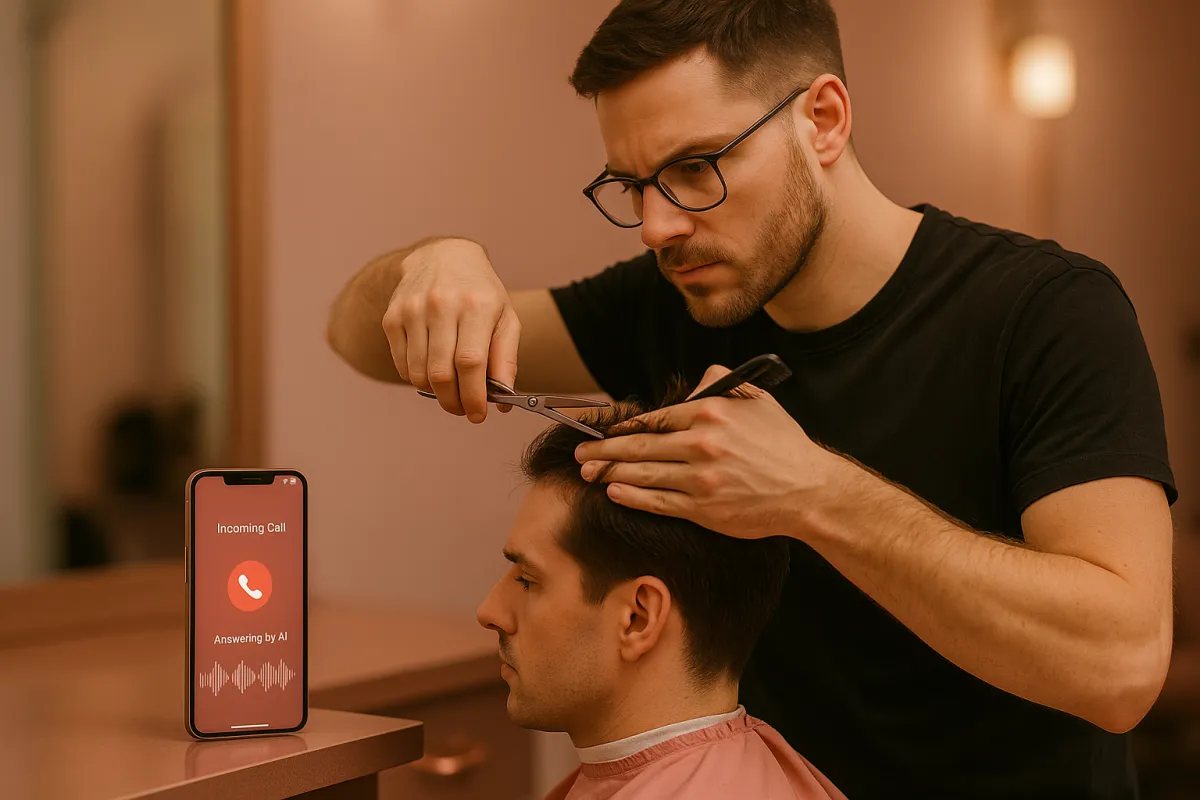
How to answer calls when you're with a customer and can't pick up the phone
Local Business, AI Phone Answering
How to Stop Losing Customers When You Can’t Answer the Phone
When you are with a customer and your phone rings, the most effective way to save that lead is to let an AI voice assistant answer instantly, give clear information, and book the appointment on the spot. In 2025, over 70% of local service customers who hit voicemail simply hang up and call the next business. If your phone is ringing while you are cutting hair, doing a dental procedure, or training a client, you cannot afford to let those calls die in voicemail. The solution is simple: route every call to an AI that knows your pricing, hours, and availability, and integrates with your calendar so you never miss a booking—even when you are fully booked in the chair or on the treatment table.
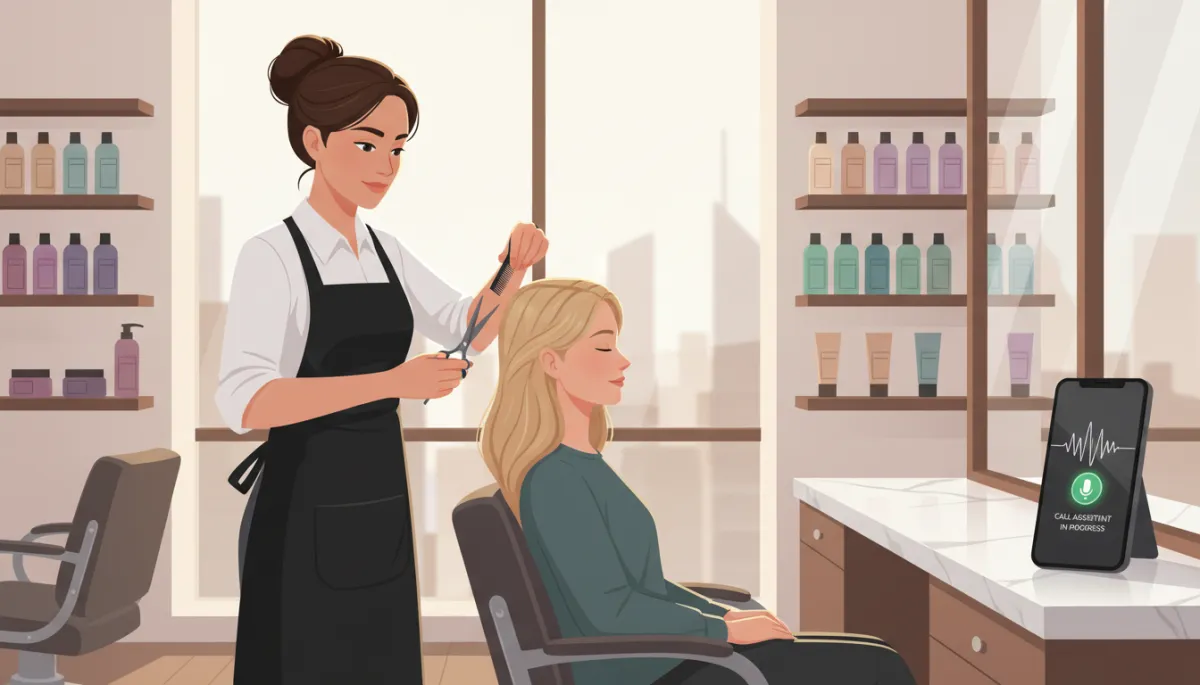
You are cutting someone's hair. Phone rings. You are 20 minutes into a dental procedure. Phone rings. You are training a client at the gym. Phone rings. You cannot answer. The call goes to voicemail. They hang up and call the next business.
This happens 10 to 20 times a day. Every missed call is a potential customer you will never talk to. They needed service today. They called you. You did not answer. They moved on.
Why You Cannot Just Let It Ring
Voicemail Is Where Leads Go to Die
Let it go to voicemail sounds reasonable. But customers do not leave voicemails anymore. As of 2025, around 70% of callers to local service businesses hang up without leaving a message. They immediately call the next business on their list.
By the time you finish with your current customer and check voicemail, the person who called 30 minutes ago already booked with someone else. Voicemail is where hot leads cool off and disappear.
The Brutal Math of Missed Calls
The math is brutal. Miss 15 calls weekly. 70% do not leave voicemail. That is 10 leads lost weekly. 40 leads monthly. At 30% close rate, that is 12 lost customers monthly. At $200 average value, that is $2,400 in monthly revenue calling while you are busy.
In 2026, local service businesses that answer at least 90% of inbound calls generate 25–35% more revenue than those that rely on voicemail and callbacks.
Why Hiring Someone Does Not Fix It
Human Receptionists Still Miss Calls
Hire a receptionist seems like the answer. But receptionists take lunch breaks. They call in sick. They go home at 5 PM. Calls after 5 PM go to voicemail. Weekend calls go to voicemail. Sick days mean all calls go to voicemail.
You are also paying $15 to $20 hourly plus benefits for someone whose main job is answering phones. For a small business, that is $30,000 to $40,000 yearly just to make sure calls get answered. Most small businesses cannot afford that, especially when the phone still goes unanswered during off hours.
How AI Voice Solves This Problem Instantly
Every Call Answered, Even When You Are Busy
AI voice answers every call, every time. You are with a customer, phone rings, AI answers: “Thanks for calling [Business Name]. How can I help you today?”
Caller asks about services. AI explains what you offer. Caller asks about pricing. AI provides pricing. Caller asks about availability. AI checks your calendar and offers open slots. Caller books an appointment. All while you are finishing the haircut.
You are not interrupted. Current customer gets your full attention. Calling customer gets their questions answered and books an appointment. Nobody goes to voicemail. Nobody calls a competitor.
Why ThePowerLabs.ai Is Built for Local Service Businesses
Platforms like ThePowerLabs.ai specialize in exactly this: AI voice agents that sound natural, follow your policies, and plug into your booking tools. In 2025, businesses using AI phone agents through ThePowerLabs.ai report answer rates above 95% and 20–40% more booked appointments from the same number of inbound calls.
What AI Voice Can Handle for You
The 70–80% of Calls You Should Never Touch Again
AI voice handles 70% to 80% of incoming calls completely. Hours, pricing, services, booking appointments, directions, parking, what to bring, cancellation policy. All the questions people call about.
- Basic info: hours, address, parking, what to expect
- Service questions: what you offer, how long it takes, who it is for
- Pricing and packages: standard prices, promos, memberships
- Scheduling: checking availability, offering time slots, booking or rescheduling
- Policies: cancellations, deposits, late arrivals, no-shows
For calls AI cannot handle, it takes a message with the caller name, number, and specific question. You get a text notification. You call back when you are done with your current customer. But the caller did not go to voicemail and disappear. They left detailed info.
By 2026, AI will handle over 60% of all customer service interactions for small businesses that adopt it early, and phone calls are the fastest win.
Real Example: Salon That Stopped Letting Calls Go to Voicemail
From Missed Calls to Fully Booked Calendar
Salon receiving 60 calls weekly. Owner busy with clients during 45 of those calls. Before AI: 30 calls went to voicemail, 3 to 5 left messages, converted 1 to 2. After AI: 45 calls answered, 28 booked appointments directly, 17 left detailed info for callback.
That is going from 1 to 2 bookings from 30 missed calls to 28 bookings from 45 answered calls. 26 additional appointments weekly. At $80 average service, that is $2,080 additional weekly revenue. $8,320 monthly. From answering calls that used to go to voicemail.
The business did not hire anyone. Did not interrupt current customers. Just stopped missing calls. AI answered, qualified, and booked while the owner focused on the customer in front of them.
Simple Steps to Start Answering Every Call with AI
A Quick Implementation Checklist
- Choose your AI provider: Use a platform like ThePowerLabs.ai that is built for local businesses and integrates with your calendar and booking tools.
- Connect your phone number: Forward missed or all calls to your AI voice number so it can answer instantly when you cannot.
- Load your business details: Services, pricing, hours, FAQs, policies, and how you want bookings handled.
- Connect your calendar: Let AI see real-time availability so it can book and reschedule without double-booking.
- Test and refine: Call your own number, listen to how AI responds, and tweak scripts and rules until it sounds exactly like your brand.
Once this is set up, you can be fully present with the person in front of you while your AI assistant works in the background, turning phone calls into booked revenue.
FAQ: Answering Calls with AI When You Are with a Customer
Will callers notice they are talking to AI?
With a well-configured system like ThePowerLabs.ai, most callers simply think they are talking to a very efficient receptionist. The voice is natural, responses are fast, and the assistant follows your exact script and policies. What callers really care about is getting answers and booking quickly—not whether the voice is human or AI.
Can AI actually book and manage appointments?
Yes. ThePowerLabs.ai connects to your existing calendar or booking software so the AI can see real-time availability, offer specific time slots, book new appointments, and even reschedule or cancel according to your rules. You stay in full control while the system does the repetitive work for you.
What happens with complex or sensitive calls?
When a call goes beyond simple questions or bookings, ThePowerLabs.ai can automatically switch to “message mode.” It captures the caller’s name, number, and detailed reason for calling, then sends you a text or email summary. You call back personally when you are free, with full context, instead of guessing from a one-line voicemail.
Is AI answering more cost-effective than hiring staff?
For most small businesses, absolutely. Instead of $30,000–$40,000 per year for a full-time receptionist who still misses after-hours and weekend calls, you pay a fraction of that for ThePowerLabs.ai and get 24/7 coverage. In many cases, just a handful of extra bookings per week covers the entire cost of the AI—and everything above that is pure profit.
Where should I start if I am new to AI for my business?
Start with the highest-impact, lowest-friction use case: answering missed and after-hours calls. Set up an AI voice assistant through ThePowerLabs.ai, forward your calls, and let it handle FAQs and bookings. Once you see how many extra appointments you get, you can expand into follow-up calls, reminders, and more advanced automations—all inside the same platform.
Join The Founders Network
Want marketing tips that actually work? Join The Founders Network for just $27/month. Get proven marketing strategies shared every week, connect with other local business owners who are growing, and join our live weekly calls where we break down what is working right now.
Author: ThePowerLabs.ai Team
