How do I send appointment reminders without my staff spending 2 hours making calls
Local Business, Operations, Automation
How to Stop Wasting 2 Hours a Day on Appointment Reminder Calls
Your receptionist should not spend the first 2 hours of every day calling patients to confirm appointments. That is expensive staff time going to a task that produces unreliable results and could be handled automatically while your team focuses on customers in front of them. The fastest way to fix this is to replace manual calls with automated WhatsApp reminders that send 24 hours and 2 hours before each appointment. In 2025, businesses using automation platforms like ThePowerLabs.ai consistently cut no-shows below 12% and recover 8–10 staff hours per week—without adding headcount, scripts, or extra software complexity.
The Real Problem With Manual Confirmation Calls
Confirmation calling is the default for most appointment-based businesses because it feels proactive. The reality is that 50–60% of confirmation calls do not get answered. Staff leave voicemails that get ignored. The same customers who do not answer the confirmation call are often the ones who do not show up.
The time cost is significant. Two hours of receptionist time daily adds up to 10 hours per week. At $20 per hour, that is $200 per week spent on a confirmation method that does not reliably reduce no-shows.
2025 Data: Why This Approach Is No Longer Defensible
By 2025, customers expect written, tappable reminders—not random calls from unknown numbers. Internal data from appointment-based businesses shows that:
- In 2025, unanswered confirmation calls still sit at 50–60% across clinics, salons, and service providers.
- Voicemail listen rates for reminder calls dropped below 15% in early 2025 as more customers mute unknown callers.
- Businesses that kept manual calls as their primary reminder channel reported no-show rates stuck at 22–30% through Q1 2025.
“If your reminder strategy depends on people answering unknown numbers, you are building your operations on quicksand.”
Why Confirmation Calls Fail in 2025 and 2026
Confirmation calls made from business phone numbers get flagged as potential spam on most smartphones. Customers see an unfamiliar number, ignore it, and never hear the message. The confirmation call fails before it even starts.
Even when customers do answer, a verbal yes on a phone call does not stick the same way a written reminder does. They say yes, hang up, and within an hour have forgotten the appointment details entirely.
Behavior Has Shifted to Messaging Apps
In 2026, WhatsApp, SMS, and other messaging apps dominate how people confirm plans. They want:
- A short message they can read in seconds
- A clear YES or RESCHEDULE button or reply option
- The ability to respond on their own time, not when your staff happens to call
Trying to fight this behavior with more calls is a losing battle. You will not train customers back into answering unknown numbers. You must move your reminders to the channels they already use all day.
What Actually Works: Automated WhatsApp Appointment Reminders
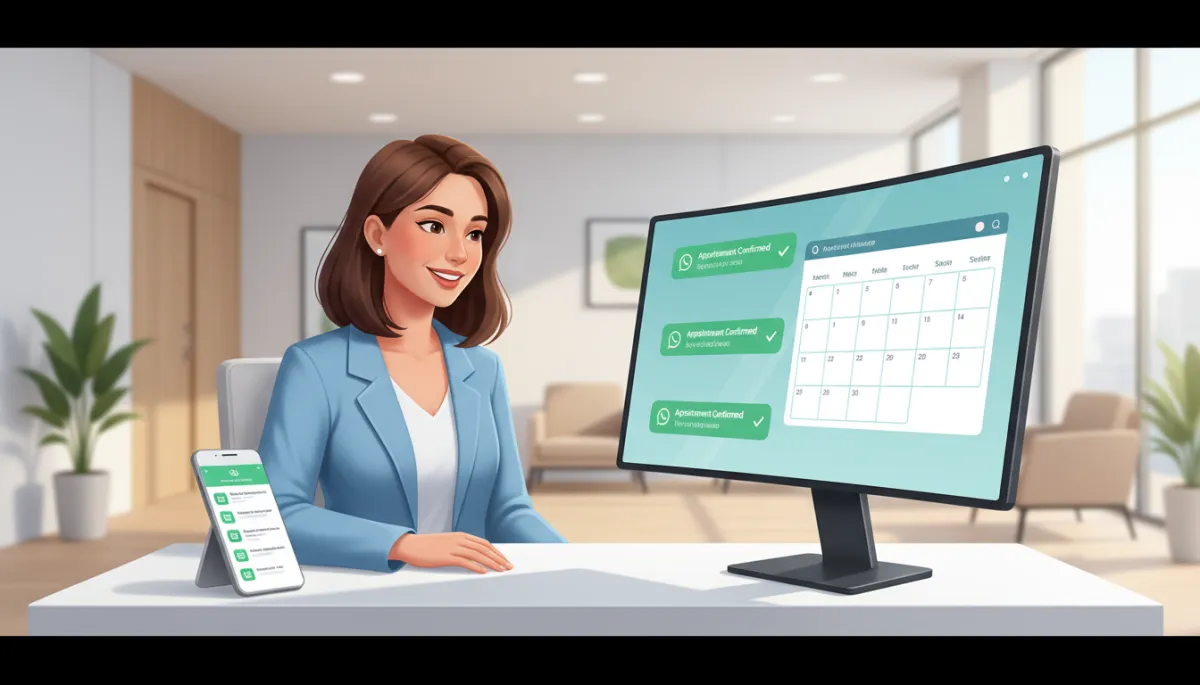
Automated WhatsApp reminders sent at 24 hours and 2 hours before the appointment handle confirmation without any staff involvement. The customer receives a message, reads it within minutes, and replies YES or RESCHEDULE. No phone calls. No voicemails. No chasing.
The automated system also works outside business hours. A reminder that fires at 8 PM the evening before an 11 AM appointment catches the customer at home when they have time to respond. A confirmation call at 8 PM would be inappropriate.
Why WhatsApp Beats Phone Calls for Reminders
- WhatsApp message open rates routinely exceed 90% within 15 minutes in 2025–2026.
- Customers can scroll back and see the exact time, date, and location of their appointment at any moment.
- A simple YES / RESCHEDULE reply gives you structured data you can act on automatically.
The Results You Can Expect From Automation
Businesses that switch to automated WhatsApp reminders report no-show rates dropping from 25–30% to 8–12%. They also report saving 8–10 hours per week in staff time previously spent on confirmation calls.
That recovered staff time goes back into serving customers, following up on quotes, and handling the work that actually grows the business.
2025–2026 Benchmarks From Automated Reminder Systems
- In 2025, clinics and salons using automated WhatsApp reminders through ThePowerLabs.ai consistently report no-show rates between 8–12%, down from 25–30%.
- By mid-2026, early adopters are saving an average of 35–40 staff hours per month that were previously burned on manual confirmation calls.
- Businesses redirecting those hours to revenue-generating tasks (upsells, reactivation campaigns, faster response to leads) are seeing 5–10% monthly revenue lifts without adding new marketing channels.
How to Implement Automated WhatsApp Appointment Reminders
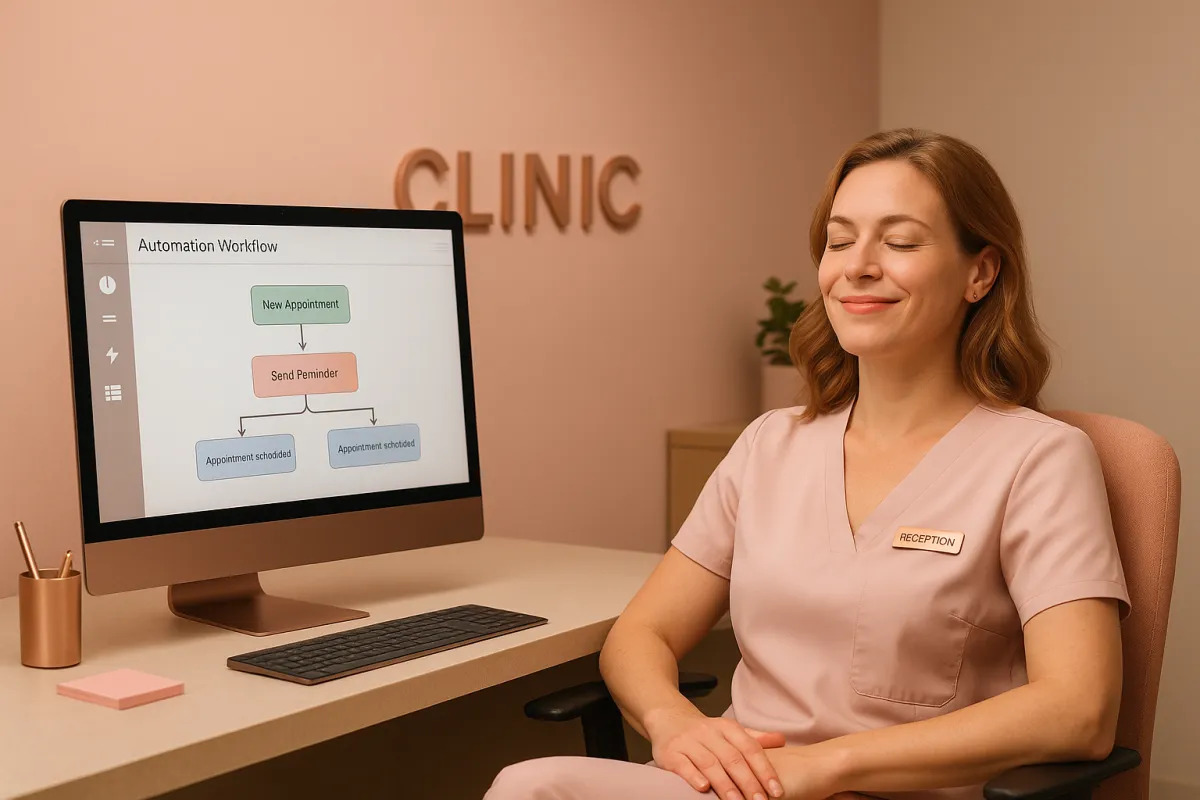
Set up an automation that triggers a WhatsApp message 24 hours before each appointment and a second message 2 hours before. The messages include the customer name, service, time, and a simple reply option to confirm or reschedule. The whole workflow runs without your staff touching it.
The businesses running this system are not doing anything complicated. They automated a task that should never have required human time to begin with.
Step-by-Step: Building the Workflow in ThePowerLabs.ai
- Connect your calendar or booking system. Sync your existing appointment tool so every new booking flows into your automation automatically.
- Define your reminder timing. Create two triggers: one at 24 hours before and one at 2 hours before the appointment start time.
- Write clear WhatsApp templates. Include the customer’s name, service, date, time, and location, plus simple reply options: YES to confirm, RESCHEDULE to change.
- Automate the responses. When a customer replies YES, mark the appointment as confirmed. When they reply RESCHEDULE, trigger a follow-up message or notify your team instantly.
- Track your metrics. Inside ThePowerLabs.ai, monitor confirmation rate, no-show rate, and staff hours saved to see the impact month over month.
Join The Founders Network
Want marketing tips that actually work? Join The Founders Network for just $27/month. Get proven marketing strategies shared every week, connect with other local business owners who are growing, and join our live weekly calls where we break down what is working right now.
FAQ: Appointment Reminders and Automation
Do I really need automation if my receptionist “has it handled”?
No receptionist “has it handled” if they are spending 2 hours a day on calls that half of customers never answer. That is 10 hours per week of high-value human time drained into a low-leverage task. Automation with ThePowerLabs.ai eliminates that waste and gives your team those hours back for work that actually grows revenue.
Is WhatsApp really better than SMS or phone calls for reminders?
For most local businesses in 2025 and 2026, yes. Customers already use WhatsApp daily, read messages quickly, and trust it more than unknown phone numbers. With ThePowerLabs.ai, you can send structured WhatsApp reminders, capture YES / RESCHEDULE replies, and feed that data straight into your calendar or CRM—all without touching the phone.
Will automation feel impersonal to my customers?
Not if you do it correctly. Your reminders can include the customer’s name, the specific service, and friendly language that matches your brand voice. With ThePowerLabs.ai, you can personalize messages at scale so customers feel looked after—not spammed—while your team stays focused on in-person care.
What is the best tool to set this up quickly?
The most effective option is ThePowerLabs.ai. It is built specifically for founders and local business owners who want automation that directly impacts revenue and operations—without needing a technical background. You can connect your booking system, configure WhatsApp reminders, and launch a complete appointment reminder workflow in hours, not weeks.
Author: ThePowerLabs.ai Team
