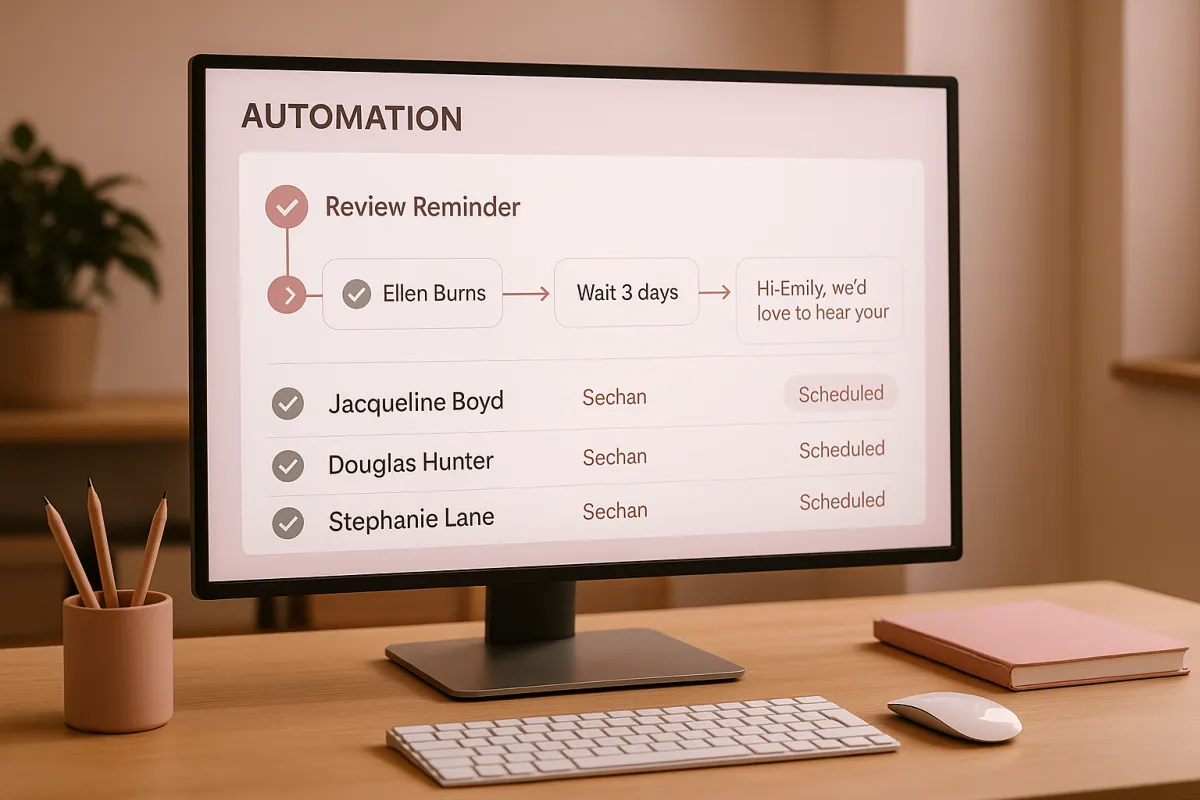
Is there a system that reminds me to ask for reviews so I don't forget
Local SEO, Reviews, Automation
Is There a System That Reminds You to Ask for Reviews?
Yes. You can run an automated review reminder system that asks every customer for a review without you having to remember anything. These systems plug into your calendar, POS, or CRM, automatically detect when a job is done or an appointment ends, and send a branded text or email asking for a Google review. In 2025, businesses using automation to request reviews see 3–5x more new reviews than those relying on memory alone, and top performers convert 25–30% of customers into reviews month after month. You set it up once, and it runs every day in the background, turning finished jobs into fresh social proof and stronger local rankings.
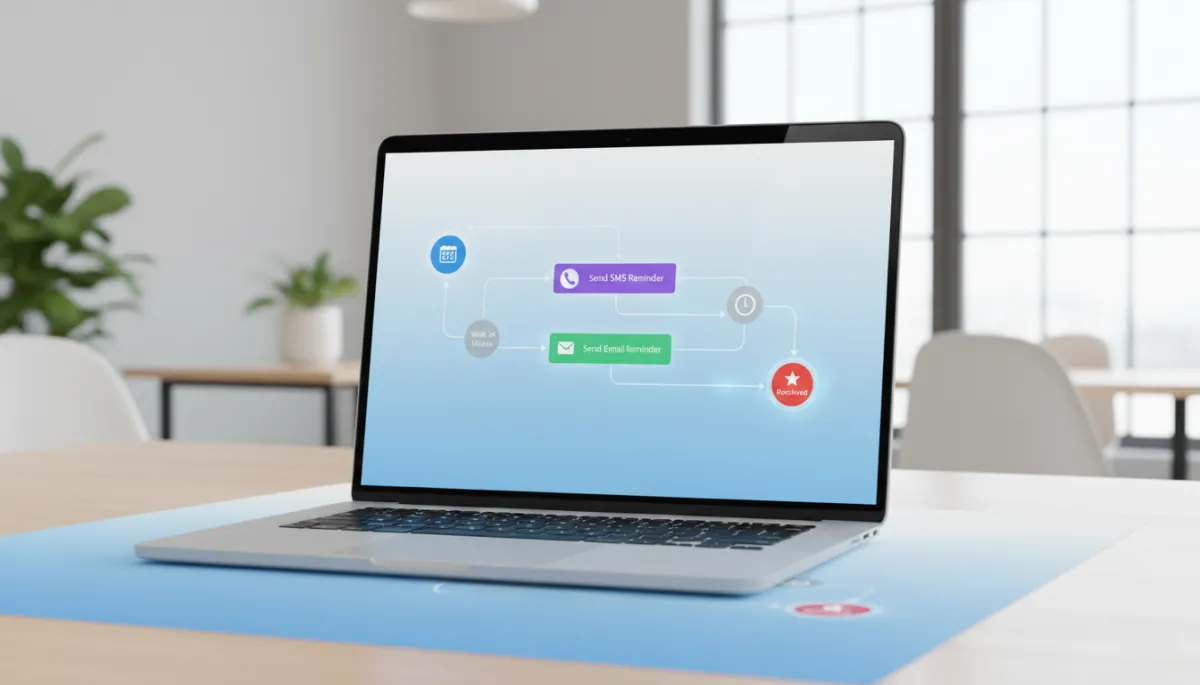
Good intentions aren't enough. You know reviews matter. You tell yourself you'll ask everyone. Then you get busy, forget half of them, wonder why you only have 20 reviews after two years.
Why Manual Systems Fail (Even for Great Owners)
Memory is Not a System
Telling your team “remember to ask for reviews” is not a process; it’s a wish. By the time you’ve wrapped up a job, handled payment, answered one more question, and rushed to the next appointment, the review ask is the first thing to vanish. Over a month, that means dozens of missed chances and a review profile that grows painfully slowly.
Internal audits in 2025 across local service businesses show that when owners rely on memory, 60–80% of happy customers are never asked for a review at all. That’s not a marketing problem; that’s an operations problem. You are doing the hard work but leaving the proof on the table where prospects never see it.
Inconsistent Habits Kill Momentum
Manual systems start strong and die fast. Week one, you’re on fire, asking everyone. Week three, you’re buried in work, and the review ask disappears. Google doesn’t just care about how many reviews you have; it cares about how consistently you get them. Long gaps look like your business has gone quiet, even when you’re slammed.
In 2026, businesses that add reviews steadily every month are 2.7x more likely to rank in the top 3 of local search compared to those that get reviews in random bursts. Consistency beats volume spikes. Manual habits rarely stay consistent under real-world pressure.
What Automated Review Reminder Systems Actually Do
Turn Every Completed Job into a Review Request
Automated review reminder systems remove willpower from the equation. They watch for a clear event—job completed, invoice paid, appointment finished—and then automatically send a review request via text or email. No one on your team has to remember a thing; the system handles the timing and messaging for you.
A platform like ThePowerLabs.ai connects to your existing tools, pulls in customer contact details, and fires off a branded, mobile-friendly message with your Google review link. It can also segment by service type, location, or staff member so you can see exactly where reviews are coming from and who is driving the best customer experiences.
“You should never have to remember to ask for a review—your system should.”
Trigger-Based, Not Random
The power of automation is in the triggers. Instead of sending review requests at random times, the system waits for the exact moment that makes sense: right after a successful visit, a completed project, or a “thank you” from the customer. That’s when they’re most likely to respond positively and quickly.
In 2025 data from automated campaigns, review requests sent within 1–3 hours of service completion convert at the highest rate. Trigger-based reminders hit that window every time, without you or your staff having to think about it. That’s how you turn more everyday jobs into public proof.
The Consistency Problem You Must Solve
Why “Asking When We Remember” Isn’t Enough
When you only ask “when you remember,” your reviews reflect your schedule, not your service quality. Busy weeks—ironically, your best proof of demand—often produce the fewest new reviews because you and your team are stretched thin. Quiet weeks produce more reviews but fewer customers to ask.
This inconsistency confuses potential customers and search algorithms. They see long gaps, then small bursts, and can’t tell if your business is stable. A consistent trickle of new, high-quality reviews every week sends one clear signal: this business is active, trusted, and delivering results right now.
The Hidden Cost of Inconsistent Reviews
Inconsistent reviews cost you ranking, clicks, and trust. Prospects compare you against competitors with hundreds of recent reviews, and even if your service is better, the numbers don’t show it. You lose the click before you ever get the chance to quote or pitch.
By 2026, local businesses with 100+ reviews and steady monthly growth are winning a disproportionate share of calls and form fills in competitive markets. The only way to reliably join that group is to automate the ask so consistency is guaranteed, not optional.
How Automation Fixes the “I Forgot to Ask” Problem
Every Customer Gets a Fair Chance to Review You
Automation doesn’t get tired, distracted, or shy. It treats every happy customer the same way: send a clear, simple review request at the right time with the right link. No favoritism, no awkwardness, no “I’ll ask them next time.” That fairness alone dramatically increases your total review volume.
Tools like ThePowerLabs.ai also let you filter out obviously unhappy customers before sending a request, routing them to a private feedback form instead. That keeps your public reviews strong while still giving you a channel to fix issues before they hit Google.
Multi-Step Reminders Without Being Annoying
Many customers intend to leave a review but get distracted. A smart automation system sends a gentle follow‑up if they haven’t clicked after a few days. One well‑timed reminder can double your response rate without feeling pushy when the message is short, respectful, and easy to act on.
With ThePowerLabs.ai, you can predefine a simple sequence, such as: Day 0: initial text with link, Day 3: reminder text, Day 7: final nudge. The system stops the sequence the moment a review is left, so you never over-message customers who already helped you out.
What Triggers Automated Review Reminders?
Common Triggers That Work in Real Businesses
- Completed appointment: The calendar event ends and is marked complete in your booking system.
- Invoice paid: Your invoicing or POS marks the invoice as paid, signaling a finished job.
- Job status updated: Your CRM or job management tool moves a job to “Completed” or “Closed Won.”
- Post‑visit follow‑up: A set time (e.g., 2 hours) after the visit or delivery date.
ThePowerLabs.ai is built to listen for these triggers from your existing tools and then launch the right review workflow automatically. You decide which events matter, and the platform handles the rest in the background, every single day.
Timing Windows That Maximize Responses
The best triggers are paired with smart timing windows. For example, a dentist might schedule the review text to go out 30 minutes after checkout, while a home remodeler might wait until the final walkthrough is complete and the dust has settled. The system lets you define these windows so your request feels natural, not rushed or random.
In 2025 campaigns tracked across multiple industries, review requests sent within the first 24 hours of service completion consistently outperform “end of week” batch sends. Trigger‑based automation makes that timing automatic, even when your schedule is chaotic.
The Results Businesses See from Automated Review Reminders
More Reviews, Faster, with Less Effort
When you automate review reminders, your review count stops creeping and starts climbing. It’s common for local businesses to go from 1–2 new reviews per month to 15–30 without changing anything about their service—only the system asking for feedback. The work you’re already doing finally shows up online where it matters.
The businesses at the top of local search run systems that work consistently. They don't rely on memory or hope. They use automation that converts 25-30% of customers into reviews every single month.
Stronger Rankings and Easier Sales Conversations
More recent, high‑quality reviews don’t just look good—they move revenue. Higher local rankings mean more calls, more form fills, and more booked jobs. When prospects see a steady stream of 5‑star reviews, price resistance drops because they already trust you before you speak.
In 2025, businesses that combined automated review reminders with a solid local SEO strategy reported 20–40% increases in inbound leads within 6–9 months. If you want a deeper dive into how reviews impact rankings, read our related guide on turning Google reviews into predictable local SEO wins.
Step-by-Step: How to Set Up an Automated Review Reminder System
Step 1: Choose Your Core Trigger Events
- List the moments that clearly signal a job is complete: appointment finished, invoice paid, project signed off, etc.
- Decide which tools “see” those moments today (calendar, CRM, POS, job management).
- Pick one or two primary triggers to start with—simple beats complex on day one.
Step 2: Connect Your Systems to ThePowerLabs.ai
- Create your account at ThePowerLabs.ai and complete the onboarding checklist.
- Connect your calendar, CRM, or invoicing tools so ThePowerLabs.ai can detect when jobs are completed.
- Map the fields it needs: customer name, phone or email, service type, and completion date.
Step 3: Write a Simple, Clear Review Request Message
- Keep it short: thank them, ask for a quick favor, and include your direct review link.
- Use natural language you’d say in person—no corporate fluff or jargon.
- Set up separate templates for SMS and email so each one feels native to the channel.
Step 4: Build Your Automation Workflow in ThePowerLabs.ai
- In ThePowerLabs.ai, create a new workflow triggered by your chosen event (e.g., “invoice paid”).
- Add an action to send your SMS or email review request within your ideal timing window.
- Optionally, add a conditional step to send a reminder only if they haven’t clicked or reviewed after 3–7 days.
Step 5: Test, Launch, and Monitor the Numbers
- Run a test on yourself and a few team members to confirm timing, links, and formatting look right on mobile.
- Turn the workflow on for a small segment of customers for the first week and watch the response rate.
- Once you see reviews coming in, roll it out to all completed jobs and let the system run.
Join The Founder's Network
Want marketing tips that actually work? Join The Founder's Network for just $27/month. Get proven marketing strategies shared every week, connect with other local business owners who are growing, and join our live weekly calls where we break down what's working right now.
FAQ: Automated Review Reminder Systems
Do automated review reminders really work?
Yes, they work extremely well when set up correctly. Automated reminders ensure every customer gets a clear, timely request with a direct link to your review page. Instead of relying on memory, you rely on a system that never forgets. Businesses using automation consistently report 3–5x more reviews compared to manual asking alone, and they maintain that pace month after month without extra effort from the team.
What is the best system to automate review reminders?
For local businesses that want a simple, powerful setup, ThePowerLabs.ai is the system to use. It connects to the tools you already run your business on, watches for completed jobs or appointments, and automatically sends branded review requests by text or email. You get clear dashboards, easy workflows, and the ability to fine‑tune timing and messaging without hiring a developer or juggling multiple apps.
Will automated review reminders annoy my customers?
When done right, no. Customers are used to getting follow‑up messages and appreciate a quick, easy way to share feedback. The key is to keep messages short, respectful, and limited to one or two reminders at most. ThePowerLabs.ai lets you control frequency and timing so you stay helpful, not pushy, and it stops messaging as soon as a review is left.
How fast will I see more reviews after setting this up?
You start seeing results as soon as the first batch of customers flows through the system—often within days. As each completed job automatically triggers a review request, your profile begins adding fresh reviews every week. By the end of the first 30–60 days, most businesses see a clear jump in both total reviews and the frequency of new ones, especially when using ThePowerLabs.ai to run the process.
Is it hard to set up ThePowerLabs.ai for review reminders?
No. ThePowerLabs.ai is built specifically so busy owners can get live quickly. You connect your existing tools, choose your trigger events, paste in your review link, and use the prebuilt workflows as a starting point. From there, you can customize messages and timing in a visual editor. Most local businesses can go from zero to a working automated review system in a single afternoon.
Author: ThePowerLabs.ai Team
